grid inventory system · v2.0.0
Overview
A production-ready, drag-and-drop grid inventory for Unity — multi-cell items, rotation, stacking, equipment, shops, and one-call JSON saves. This is the full manual; it is updated with every release.
What's in the box
| System | Description |
|---|---|
| Grid inventories | Diablo/Tarkov-style 2D grids with multi-cell footprints (1×1 up to 2×4 and beyond), right-click rotation, stack splitting and merge-on-drop. Grid inventories → |
| Slot inventories & hotbar | Minecraft-style fixed-slot containers, plus a hotbar variant that raises OnSlotActivated from the digit keys. Equipment & hotbar → |
| Equipment paper-doll | An 11-slot RPG loadout with per-slot type validation — helm, chest, rings, weapons, and more. |
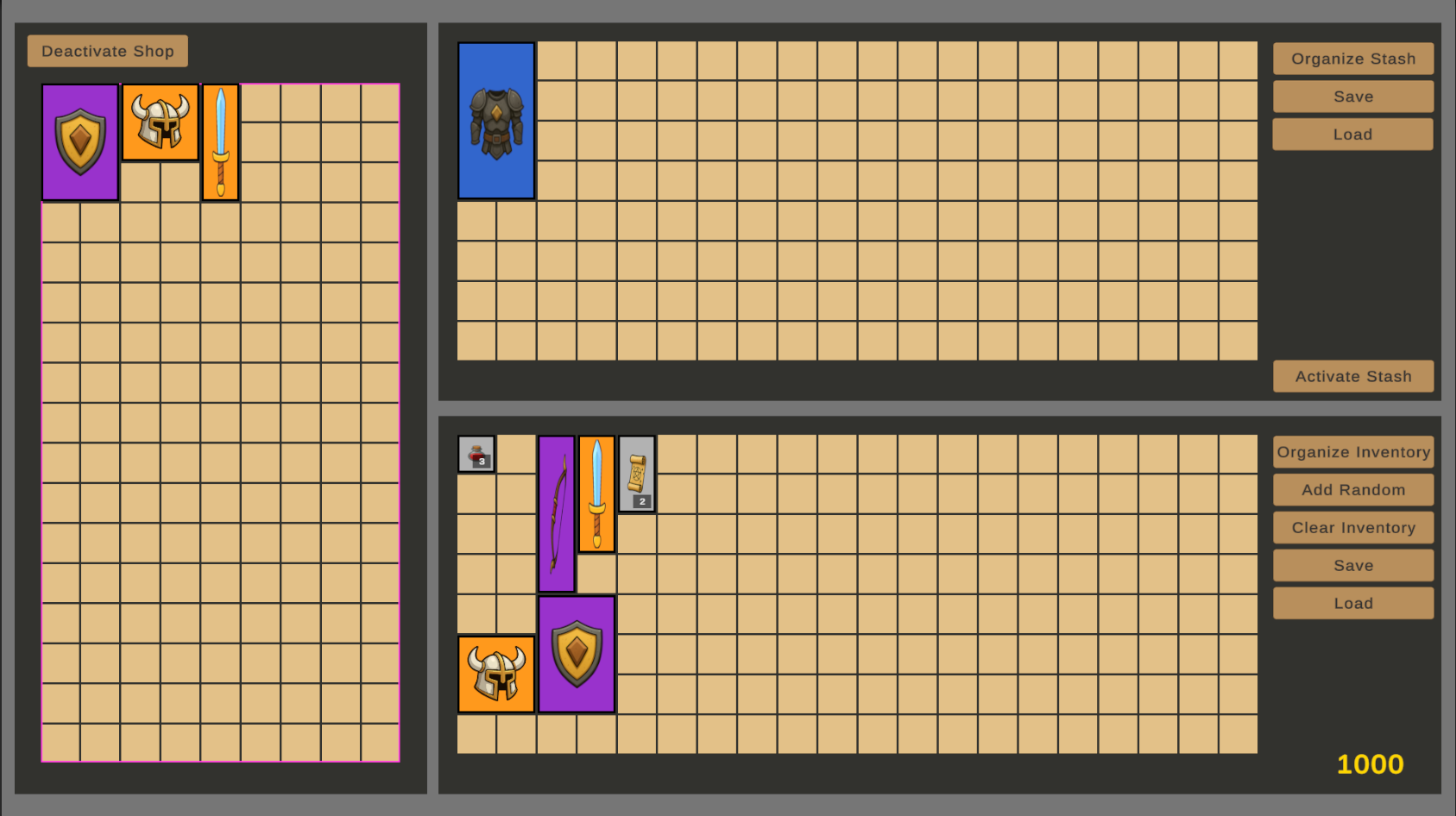
| Shops, stash & economy | Player, Shop, and Stash inventory types with right-click buy/sell and a pluggable IEconomy interface. Shops & economy → |
| Save / load | Crash-safe JSON persistence with automatic backups, optional auto-save, and save-format migration. Save & load → |
| Editor tooling | Item Creator with live tooltip preview, Item Browser with bulk edit, one-shot in-scene generators, and one-click demo scene builders. Editor windows → |
Architecture at a glance
Four layers, each replaceable without touching the others:
How the pieces fit
text
ItemData (ScriptableObject)        what an item IS — name, icon, footprint, rarity
        │
ItemInstance                       one occurrence of an item — position, stack,
        │                          rotation, condition, custom name
        │
Controllers (MonoBehaviours)       own the data & raise events
  ├── InventoryController          2D grid, multi-cell placement
  ├── SlotInventoryController      fixed slot array
  │     └── HotbarController      + digit-key activation
  └── EquipmentController          typed paper-doll slots
        │
UI binders                         render state & handle drag/drop
  ├── GridUI                       for grids
  ├── SlotInventoryUI              for slots / hotbars
  └── EquipmentPanelUI             for equipment
All controllers implement the IInventory interface, which is what lets items drag between a grid, a hotbar, and an equipment panel without any glue code. Tooltips and the stack-split dialog are self-spawning singletons — they need zero scene wiring.
// note
Everything lives in the flat
InventorySystem C# namespace. Add using InventorySystem; and you have the whole API.Where to go next
| If you want to… | Description |
|---|---|
| Install it | Installation & setup — requirements plus the two one-time steps for a clean project. |
| See it running | Demo scenes & controls — the four shipped scenes and every mouse/keyboard interaction. |
| Build your own | Quick start — a working inventory in your scene in about five minutes. |
| Look something up | API reference — every public type, method, and event on one page. |