Grid inventories
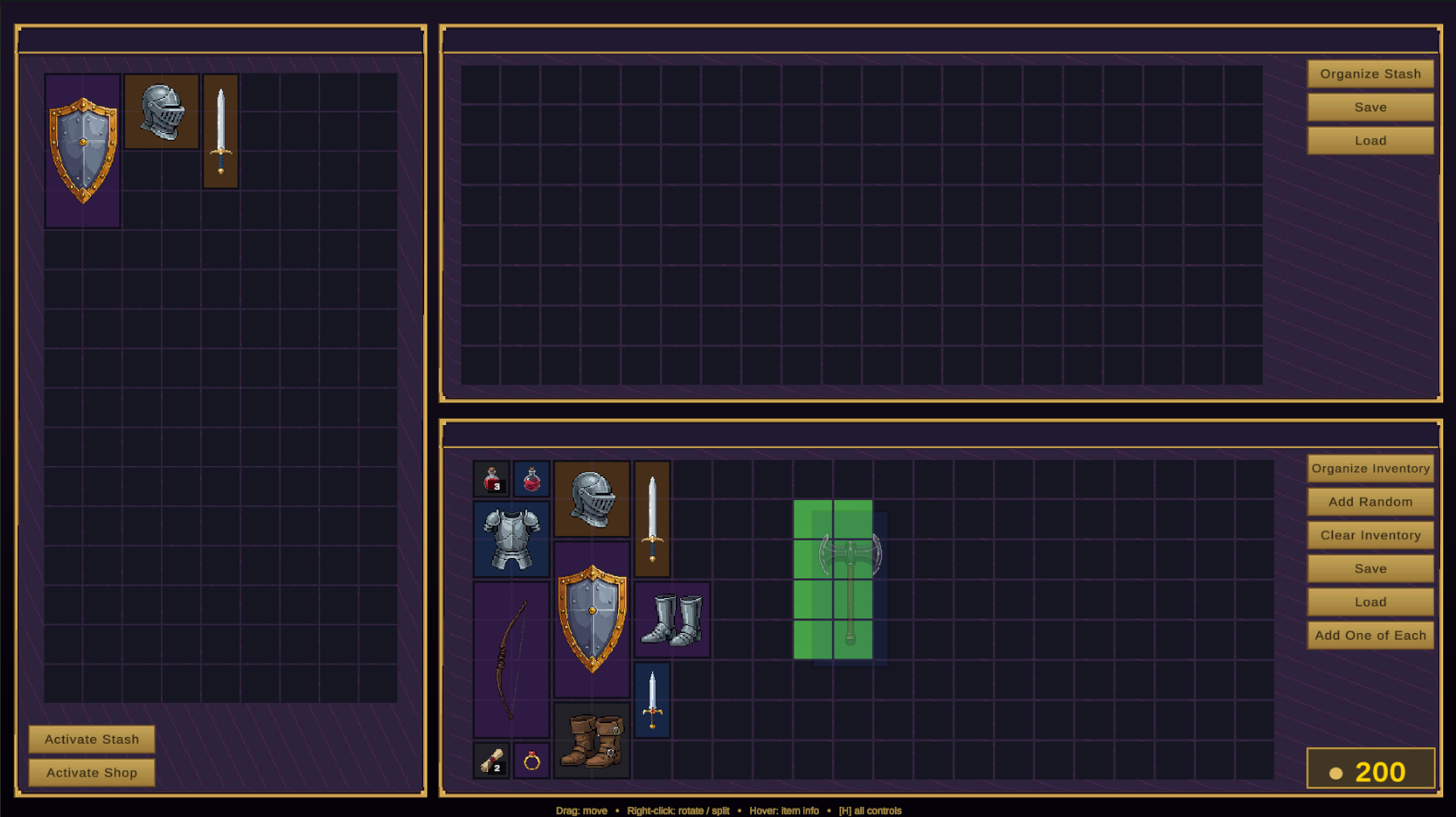
InventoryController owns a 2D grid of cells, places multi-cell items into it, raises events, and exposes virtual gates for your game rules.
Inspector setup
| Field | Type | Description |
|---|---|---|
| Grid Width / Height | int | Grid dimensions in cells (default 20×8). A performance warning appears past 1000 cells. |
| Grid UI | GridUI | Required reference to the visual grid. The controller refuses to initialize without it — the custom inspector offers a one-click auto-fix. |
| Inventory Type | enum | Player, Shop, or Stash. Drives trade behavior and the save subfolder. |
| Inventory Id | string | Stable identity for transfers/tooling; defaults to "{GameObject name}_{type}" when blank. |
| Allow Direct Item Placement / Removal | bool | Master switches for putting items in or taking them out (a shop display case would disable removal). |
| Auto Save / Interval | bool / float | Timed background saves to a dedicated autosave file (default off / every 30s). |
| Starter Items | List<ItemData> | Placed once, on first initialize. Items that don’t fit are skipped with a warning. |
Core operations
using InventorySystem;

// Add — auto-placed, or at an exact cell
inventory.AddItem(potion);
inventory.AddItem(sword, new Vector2Int(3, 0), rotated: true);

// Query
ItemInstance hit = inventory.GetItemAt(new Vector2Int(3, 0));
bool fits = inventory.CanPlaceItem(shield, new Vector2Int(6, 2));

// Move / rotate / remove by instance ID
inventory.MoveItem(hit.InstanceID, new Vector2Int(0, 4));
inventory.RotateItem(hit.InstanceID);
inventory.RemoveItem(hit.InstanceID);

// Split 3 units off a stack onto a specific cell
inventory.SplitStack(stack.InstanceID, 3, new Vector2Int(9, 1));

// Auto-sort the whole grid into a corner
inventory.OrganizeTopLeft();          // also TopRight / BottomLeft / BottomRight

// Resize (destructive — existing placements are cleared)
inventory.ResizeGrid(12, 6);
ItemData throw ArgumentNullException on null rather than returning false — an early crash beats a silent no-op while you're integrating.Events
| Event | Type | Description |
|---|---|---|
| OnItemAdded | Action<ItemInstance> | An item landed in this inventory (placement, load, transfer in). |
| OnItemRemoved | Action<ItemInstance> | An item left this inventory. |
| OnInventoryChanged | Action | Anything changed — add, remove, move, merge, resize, load. The cheap "refresh my UI" hook. |
Per-instance changes (stack count, rotation, condition, renames) raise ItemInstance.OnInstanceChanged. Cross-inventory moves raise the static InventoryTransfer events covered in Shops, stash & economy.
Permission gates — your game rules
Every mutating operation funnels through three virtual methods. Out of the box nothing is gated (beyond the two Allow Direct… toggles); override them for weight limits, quest locks, category restrictions, or level requirements:
using InventorySystem;
using UnityEngine;

public class WeightLimitedInventory : InventoryController
{
    [SerializeField] private float maxWeight = 50f;
    private float currentWeight;   // maintain via OnItemAdded/OnItemRemoved

    public override bool CanAddItem(ItemData data, Vector2Int? pos = null)
    {
        if (currentWeight + WeightOf(data) > maxWeight) return false;
        return base.CanAddItem(data, pos);   // keep space/permission checks
    }

    public override bool CanPerformAction(InventoryAction act, ItemData data = null)
    {
        // e.g. lock rotation during combat:
        if (act == InventoryAction.RotateItem && Combat.Active) return false;
        return base.CanPerformAction(act, data);
    }

    private float WeightOf(ItemData d) => d.Width * d.Height * 0.5f;
}
The drag-and-drop UI consults the same gates, so a rule you write once applies to player drags and code calls alike. AddItem, MoveItem, RemoveItem, and RotateItem are also virtual if you need to intercept the operations themselves.
Slot inventories — the non-grid sibling
SlotInventoryController + SlotInventoryUI give you a Minecraft-style fixed slot array instead of a spatial grid: one item per slot, addressed by index, no footprints or rotation. Stackables auto-merge into the lowest matching stack. It adds one event the grid doesn't have — OnItemMoved(item, oldIndex, newIndex) — and is the base class of the hotbar.
slotInventory.AddItem(potion);            // first free / merging slot
slotInventory.AddItemAt(potion, 4, 3);    // slot 4, stack of 3
slotInventory.MoveItem(id, 7);            // move | merge | swap
ItemInstance i = slotInventory.GetItemAt(2);
Both controllers implement IInventory, so transfers, drag-and-drop, and save/load treat them interchangeably. Use grids where geometry is the gameplay; use slots for hotbars, crafting inputs, and chest-style storage.
One-line global access
For prototypes, the static InventoryAPI wraps the first controller in the scene: InventoryAPI.AddItem(data), RemoveItem, SplitStack, Save(), Load(). Call InventoryAPI.ClearCache() if the scene's controller changes. For anything real, hold a serialized reference instead.