Shops, stash & economy
Give each inventory a type, wire an IEconomy, and right-click trading works: buy from shops, sell to them, and shuttle items to the stash.
Inventory types drive behavior
Every controller declares an InventoryType — Player, Shop, or Stash. When a shop panel is active, right-clicking an item in the shop buys it and right-clicking an item in the player's bag sells it. When a stash is active, right-click shuttles the item between player and stash. Whole stacks move by dragging; right-clicking a stack in your own bag always opens the split dialog instead.
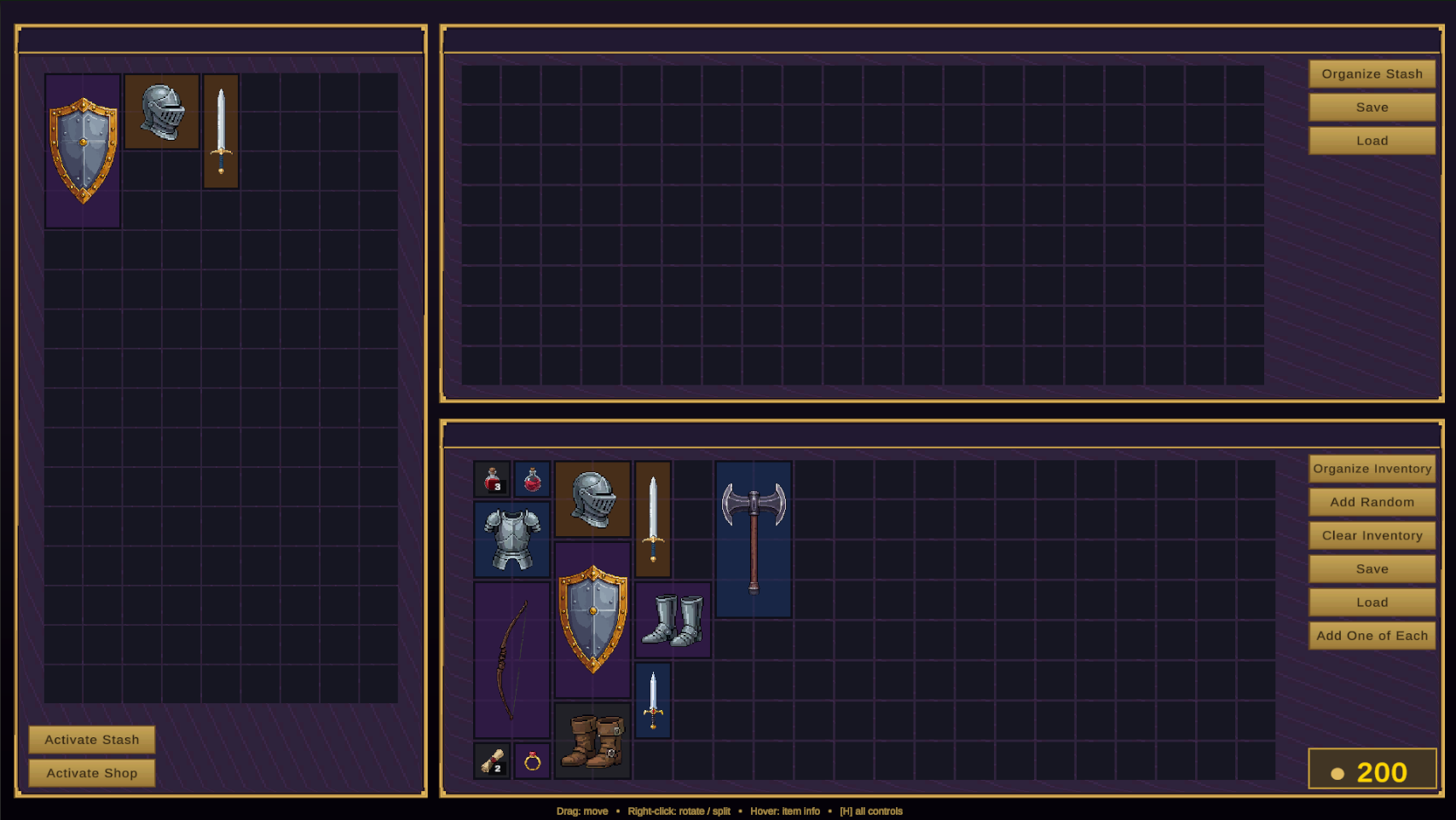
Moving items between inventories
Two APIs, one rule of thumb — use the static helper unless you need a specific destination cell:
using InventorySystem;

// Auto-placement (tries rotation if needed), works on any IInventory pair:
InventoryTransfer.TransferItem(playerGrid, stashGrid, item.InstanceID);
InventoryTransfer.TransferItem(playerGrid, hotbar, item);   // grid → hotbar

// Exact destination cell, with merge support (what drag-and-drop uses):
playerGrid.TransferItemTo(stashGrid, item, new Vector2Int(2, 3));
Transfers are verified end-to-end: if placement in the target fails, the item is placed back in the source. Two event families report the outcome — pick the pair that matches the overload you call:
| Event | Type | Description |
|---|---|---|
| OnItemTransferred | grid ↔ grid | (source, target, newInstanceID, fromPos, toPos) — fired by the InventoryController overload. Note: the instance gets a new ID on arrival. |
| OnTransferFailed | grid ↔ grid | (source, target, instanceID, reason) — the failure mirror. |
| OnAnyItemTransferred | IInventory pairs | (source, target, item) — fired by the IInventory overloads (hotbar, equipment, slots). |
| OnAnyTransferFailed | IInventory pairs | (source, target, instanceID, reason). |
Plugging in your economy
Trading consults a single global hook: EconomyProvider.Current. Implement six methods and assign your instance once at startup — no UI code involved:
using InventorySystem;
using UnityEngine;

public class MyEconomy : MonoBehaviour, IEconomy
{
    [SerializeField] private int gold = 500;

    public int  GetBuyPrice(ItemData d)  => PriceTable.For(d);
    public int  GetSellPrice(ItemData d) => PriceTable.For(d) / 3;
    public bool CanPlayerBuy(ItemData d) => gold >= GetBuyPrice(d);
    public bool CanShopBuy(ItemData d)   => d.Category != ItemCategory.QuestItem;

    public void ApplyPlayerBought(ItemData d) { gold -= GetBuyPrice(d);  RefreshHud(); }
    public void ApplyPlayerSold(ItemData d)   { gold += GetSellPrice(d); RefreshHud(); }

    void Awake() => EconomyProvider.Current = this;
}
EconomyProvider.Current is null, all trades are treated as free — handy while prototyping, surprising in production. Assign your economy in a bootstrap scene.The demo implementation (DemoEconomyManager, in the Demo folder) is a solid reference: 1000 starting gold, prices of 10 gold per occupied cell, sell-back at half price, an infinite-funds shop, and a self-styling gold chip UI. It registers itself as EconomyProvider.Current on Awake.
Restricting a container
The Allow Direct Item Placement / Removal toggles make one-way containers without code: a quest-reward chest that can be looted but not refilled (placement off), or a display case that can't be emptied (removal off). For richer rules — reputation-gated shops, faction stashes — override the permission gates described in Grid inventories.