editor
Demo scenes & controls
Four scenes under Examples/, each with a matching one-click builder — plus the full list of what the mouse and keyboard do.
The four scenes
All live in Assets/NullBolt/InventorySystem/Examples/. Every scene shows a one-line controls hint at the bottom; press H in Play mode for the expanded list. Each scene's demo panel has Add Random / Auto Sort / Save / Load / Clear buttons, and saves are kept per-scene so experiments don't overwrite each other.
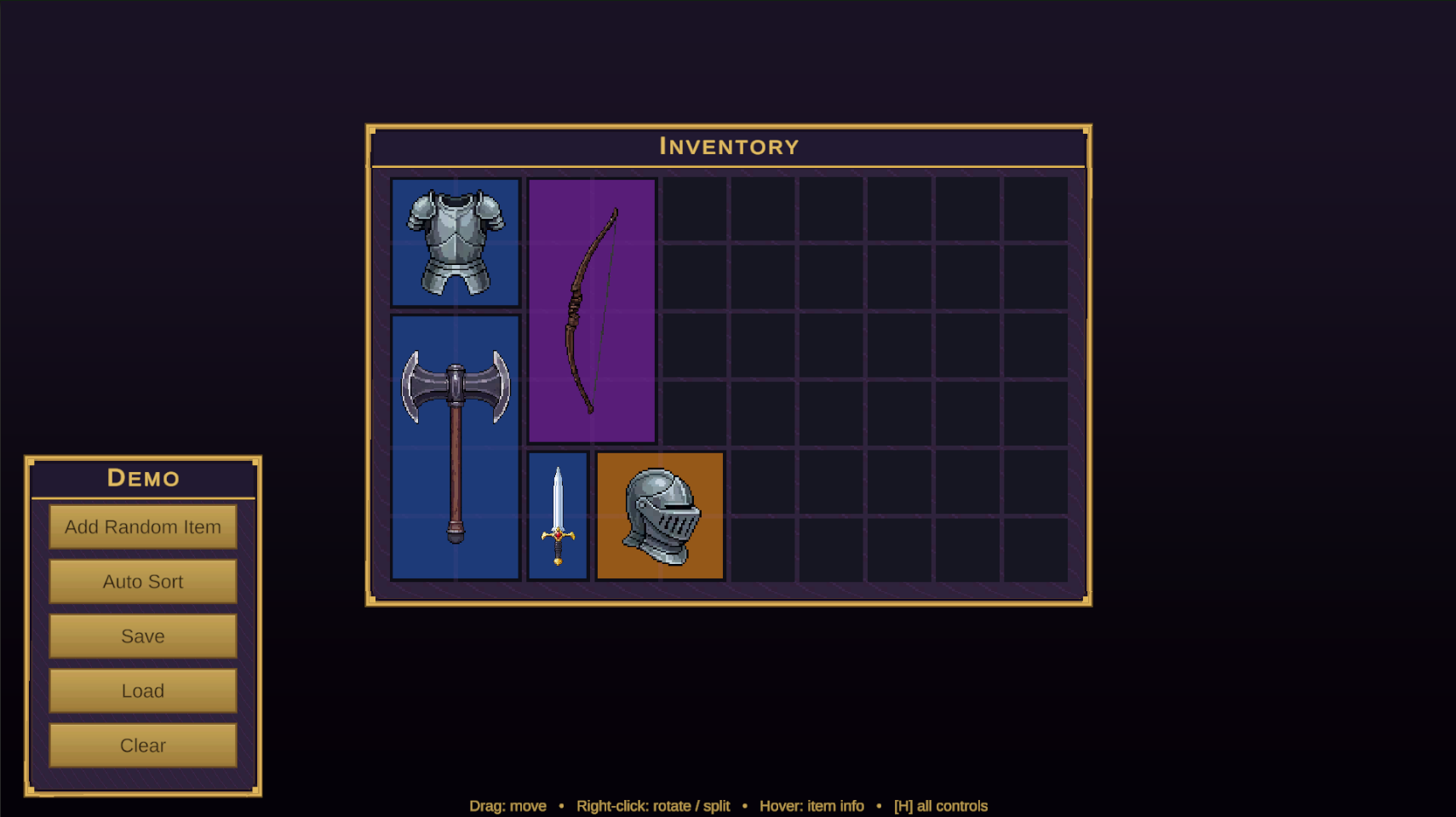
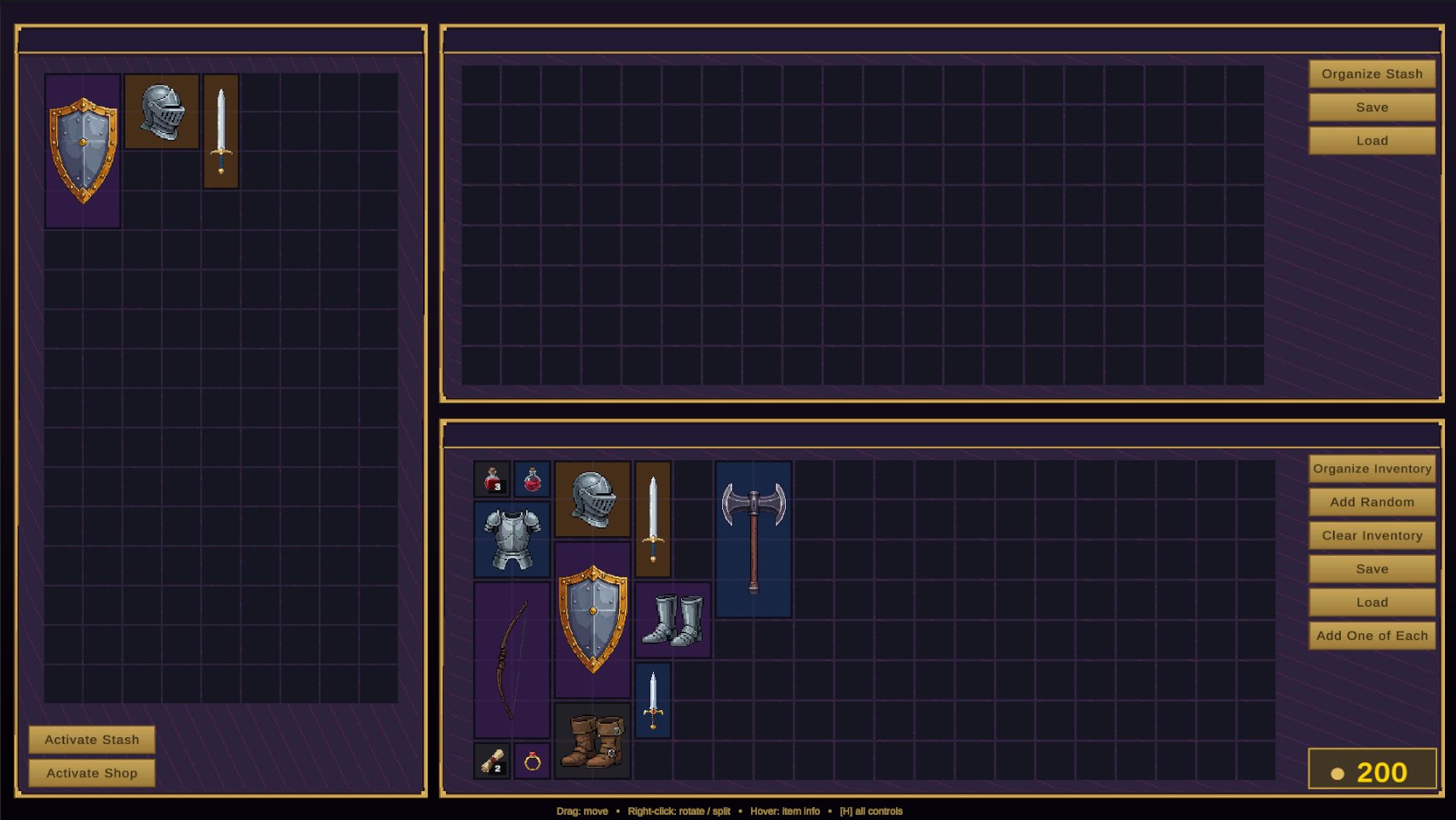
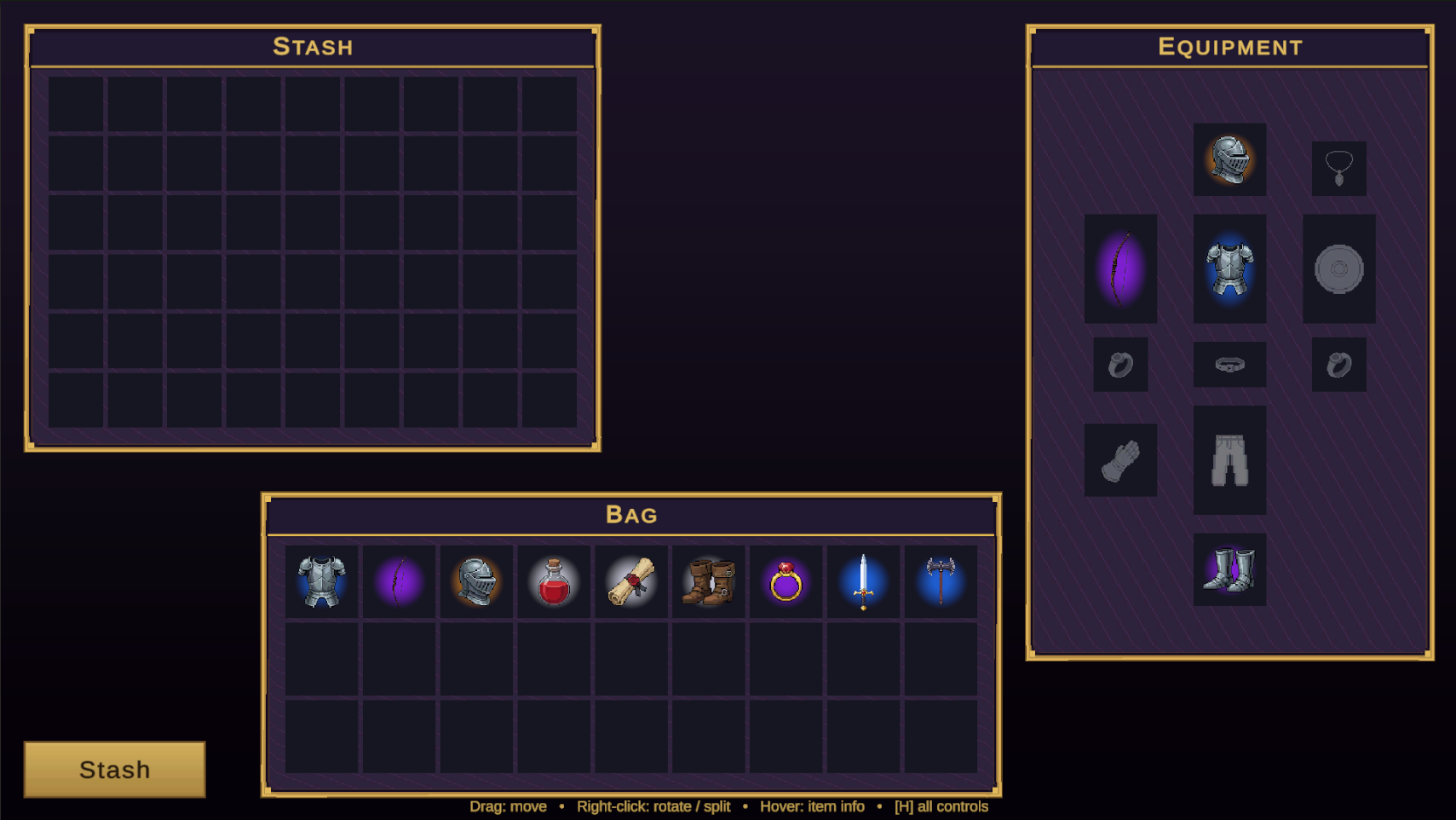
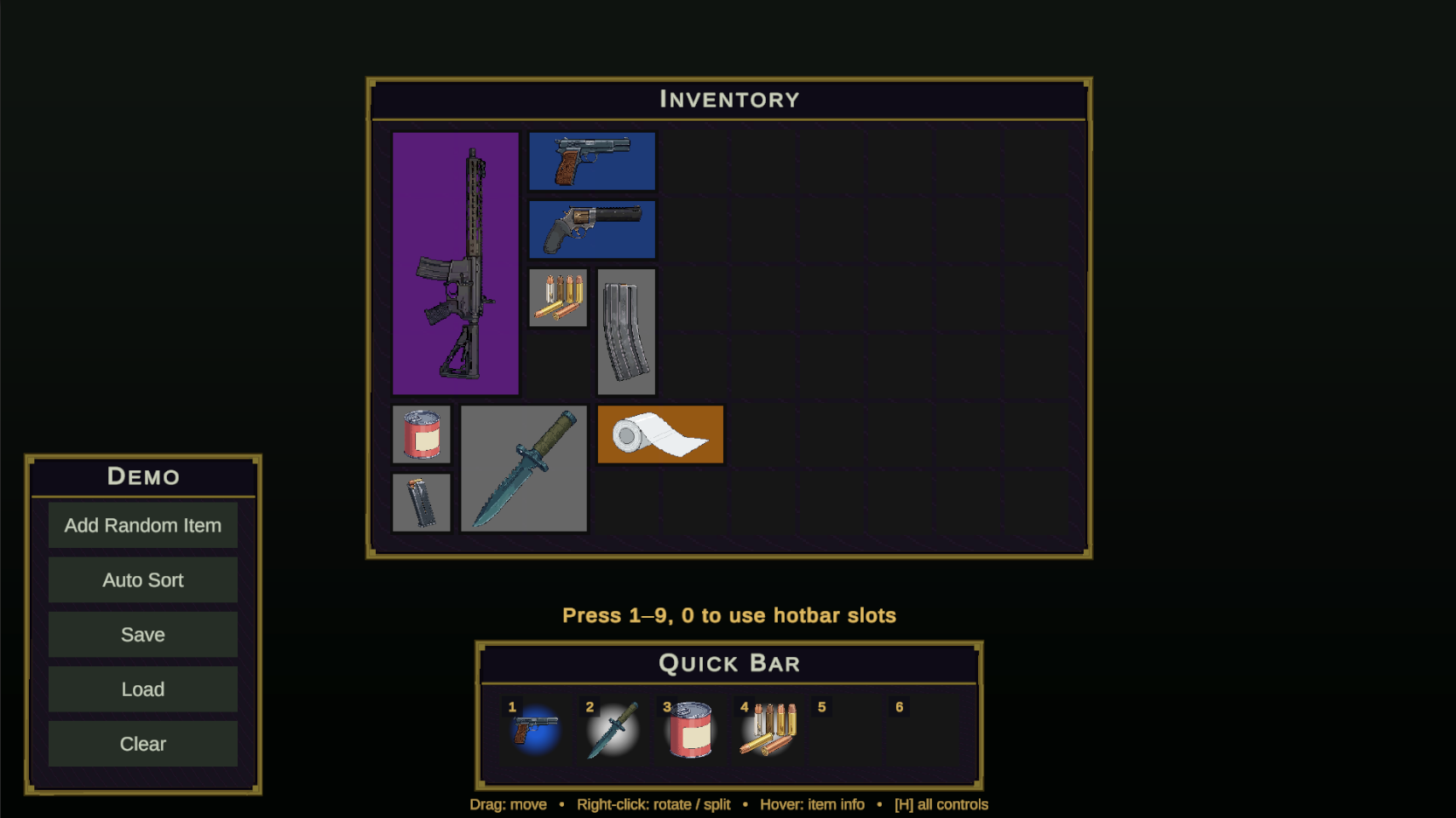
// tip
Broke a demo while experimenting? Each scene has a builder under Window▸NullBolt▸Inventory System▸Demo Scenes that regenerates the .unity file (with an overwrite confirmation) — they double as clean starting points for your own layouts.
Theming
Three knobs control the look, from demo-wide to per-item:
| Knob | Description |
|---|---|
| DemoTheme | The scene builders ship two coordinated palettes — the default fantasy look (purple/gold) and the tactical look (gunmetal/olive) the Survival builder uses. Rebuild a demo to get its theme, then restyle from there. |
| Slot Color Override | A per-view tint on GridUI and SlotInventoryUI — set a color to re-tint every slot of that inventory without touching the prefab art; leave alpha at 0 to keep the prefab's own look. It's how one slot prefab serves both the fantasy and tactical demos. |
| Rarity palette | Item tints and auras come from a swappable RarityPaletteSO asset — covered in Items & the Item Creator. |
Beyond those, the visuals are ordinary uGUI: slot and panel art are plain sprites on prefabs (Prefabs/SlotPrefab, UI/stone_slot.png, UI/metal_panel.png), so a full reskin is a sprite swap, not a code change.
Controls reference
| Input | Description |
|---|---|
| Drag (left button) | Move an item — within a grid (live green/red placement preview), or across inventories, equipment, and hotbar. Invalid drops snap back with a red flash; dropping a stack on a matching stack merges. |
| Right-click item | Rotate it 90°, if the item is rotatable. |
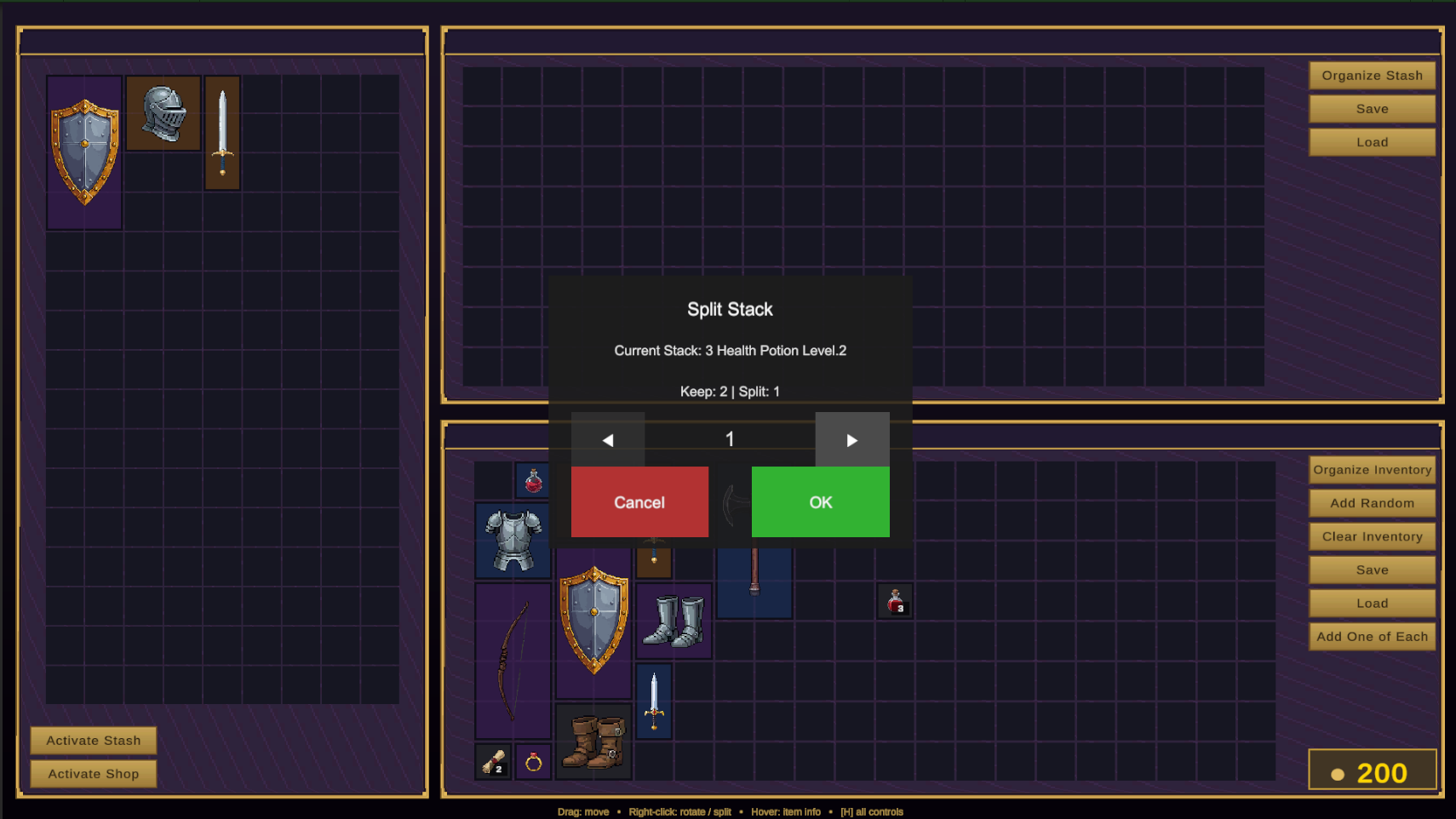
| Right-click stack | Open the stack-split dialog (takes priority over other right-click actions in your own bag). |
| Right-click (shop active) | Buy when the item is shop stock; sell when it’s in your bag — prices from the active IEconomy. |
| Right-click (stash active) | Instantly transfer the item between player and stash. |
| Hover | Item tooltip after a short delay — name in rarity color, category, size, stack, equip slot, description. |
| Left-click hotbar slot | Activate that slot (same as its digit key). |
Keyboard — global
1–9 0 — activate hotbar slots 1–10
H — toggle the full controls legend
Keyboard — split dialog
←/A and →/D — adjust amount
Enter — confirm · Esc — cancel
Demo components worth reusing
| Component | Description |
|---|---|
| DemoManager | Spawns starter items and stocks the shop; its AddOneOfEach() places one of every sample item. |
| DemoEconomyManager | The reference IEconomy — footprint-based pricing and a self-styling gold chip. |
| HotbarActivationLabel | Fading “[3] Health Potion” readout above the hotbar — a clean example of consuming OnSlotActivated. |
| StashInteractable | Toggles a panel from a button click or a clicked 3D object (needs a collider + main camera). |
| DemoControlsLegend / DemoBackdrop | The H-key controls overlay and the procedural gradient backdrop — both self-spawning, both safe to delete for production. |